
AI Chat
Chat with your knowledge base
Ask a question and AI already knows the context - your recordings, notes, and documents. Pin sources to a conversation or attach them as files. Voicie AI Chat works on what you have built.
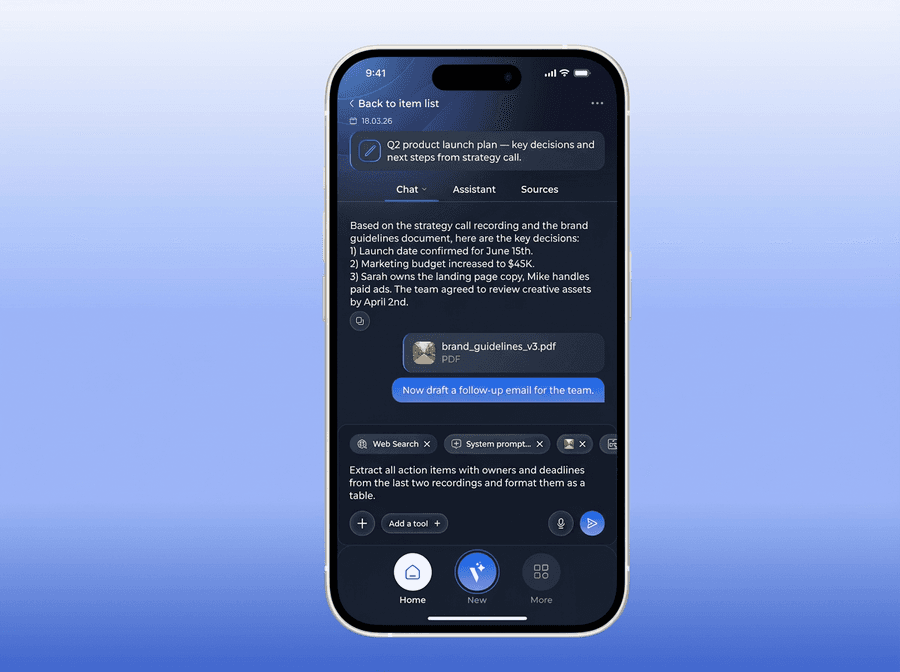
A better way to work with AI
Without Voicie
- You copy and paste context into ChatGPT before every question
- AI forgets everything when you close the conversation
- Your documents, recordings, and notes live in separate apps
- Every new question starts from scratch - no persistent memory
With Voicie
- AI automatically reads your recordings, transcriptions, and notes
- Attach sources, photos, PDFs, and text files as attachments
- Dictate questions by voice instead of typing
- Conversation history linked to your sources
AI that works with your context
Three ways to use AI Chat in Voicie.
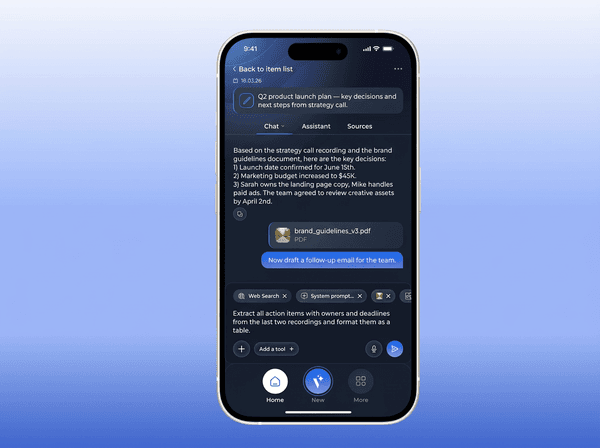
Start a conversation from your sources
Open chat inside any Knowledge Item and the AI sees all sources - recordings, transcriptions, text notes. Sources are automatically pinned to the conversation. Add new ones days later? The chat immediately sees the updated context.
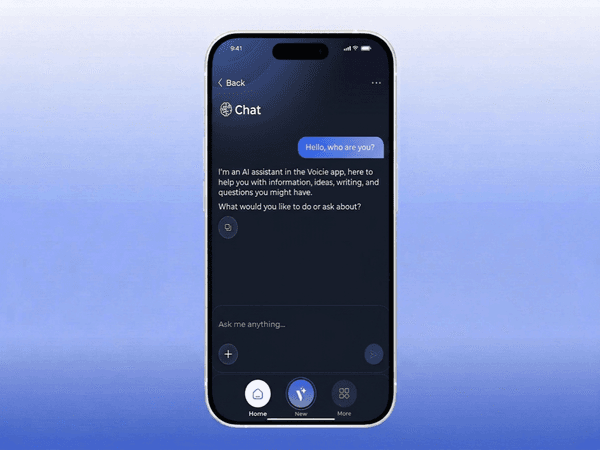
Or start a conversation from scratch
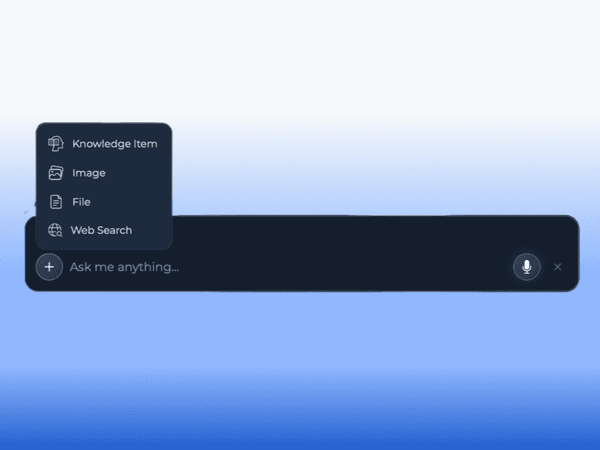
Start a chat like in ChatGPT - from a blank slate. During the conversation, attach Knowledge Items, drop in photos, PDFs, Markdown or TXT files. AI processes everything together.
Floating AI window on desktop
Press a keyboard shortcut and a floating chat window appears on top of whatever you are doing. Ask a quick question, get an answer, close it. No switching apps, no losing your place.
What You Can Do in Chat
AI Chat with context
Dictate Instead of Typing
Hold the mic button and speak your question. Voicie transcribes the voice message and sends it as text to AI. Faster than typing, especially on mobile.
Web Search
Enable web search so AI can find current data beyond your knowledge base. Combine internal sources with internet results in one conversation.
Attachments in Conversation
Attach Knowledge Items, photos, PDFs, Markdown and TXT files to the conversation. AI processes them together with pinned sources.
Conversation History
All chats are saved. Browse history globally or filter by Knowledge Item. Return to a conversation from last week and pick up where you left off.
Tools & MCP (coming soon)
An AI agent in chat that can take actions - function calling for integration with external apps, or connecting MCP servers to automatically link with your systems.
Quick Chat on Desktop
A floating chat window accessible via keyboard shortcut from anywhere. Ask a question without switching apps. Stays on top and disappears when you are done.
How working with AI Chat looks
AI Chat in Voicie is not just question and answer. It is a conversation with your knowledge base context.
Start a Conversation
Open chat from a Knowledge Item or start a new conversation from a blank slate.
Attach Context
Sources from the knowledge base are pinned automatically. You can also attach other items, photos, PDFs, or text files as attachments.
Type or Dictate
Type a question or hold the mic button and dictate it by voice. AI responds based on your sources.
Enrich with Web Data
Enable web search so AI combines your sources with current information from the internet in one conversation.
More about AI Chat
Everything you need for talking to AI
Auto-Pinning
When starting a chat from a Knowledge Item, sources are automatically pinned. Update them? The chat immediately sees the new context.
Supported Attachments
Photos, PDFs, Markdown and TXT files. Attach them to the conversation alongside Knowledge Items.
Voice Dictation
Speak messages instead of typing. Works on phone and computer. Hold the mic button and talk.
Cross-Device Sync
Chat on your phone on the way to work. Continue on your computer at your desk. Conversations sync across devices.
Conversation History
Browse all chats globally or filter by Knowledge Item. Previous threads are always accessible.
Tools & MCP (coming soon)
Create custom tools (function calling) or connect MCP servers so the AI agent in chat can link with your external apps.
Bring Your Own Key
AI Chat runs using your own API key. You pay the AI provider directly - no usage limits and no hidden costs.
The Voicie Platform
AI Chat is not everything
See what else Voicie offers.
Frequently Asked Questions
In ChatGPT you can create a project with context, but that context is essentially static and hard to expand, for example from your phone. In Voicie, context is alive - you easily expand it with new recordings, notes, and documents from any device. AI has access to the up-to-date knowledge base in every conversation. We combine AI chat capabilities with continuous knowledge base building.
Yes. You can attach Knowledge Items as well as photos, PDFs, Markdown and TXT files. AI processes them together with pinned sources.
Yes. Hold the mic button and speak your question. Voicie transcribes the message and sends it as text to AI. Works on phone and computer.
Quick Chat is a floating chat window available on desktop via a keyboard shortcut. It appears on top of other windows - ask a question, get an answer, and close it without switching to the main app.
All chats are saved automatically. You can browse history globally (all conversations) or from a specific Knowledge Item (only chats linked to that item). Return to any conversation and pick up where you left off.
Yes. AI Chat is available on phone and computer. You can start a conversation on your phone and continue on your computer. Conversations sync across devices.
