
Automations
One recording, zero manual steps, multiple actions
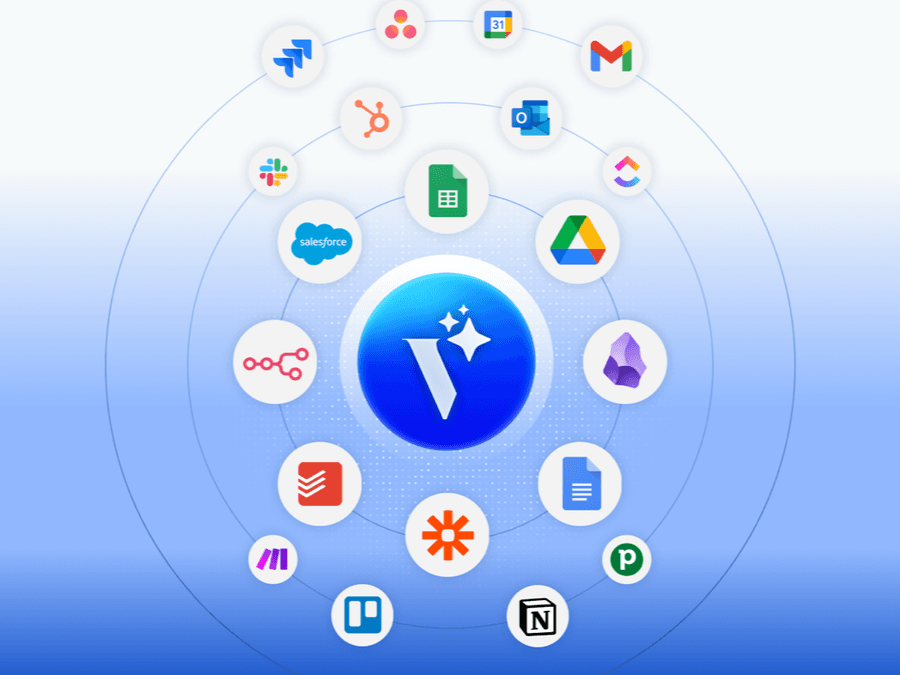
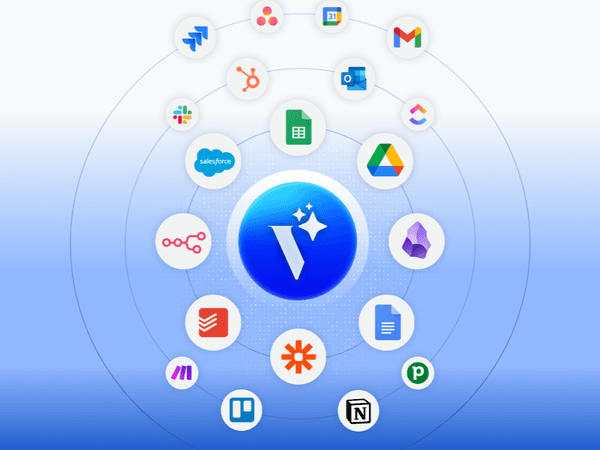
Record once - the rest runs on its own. An AI assistant processes your sources, and the result goes via webhook to Make, Zapier, or n8n, which routes data to your apps.








A better way to automate work
Without Voicie
- After every call, you spend 15-20 minutes manually entering notes into your CRM
- Meeting summaries stay in one app while tasks live in another
- You update Slack, CRM, and project tools separately
With Voicie
- One recording updates CRM, Slack, and ClickUp at the same time
- Summary, task list, and CRM entry - all from a single source
- Multi-step workflows run through Make, Zapier, or n8n without your involvement
How automations work in Voicie
Voicie is the trigger. Make, Zapier, or n8n is the router. Your apps are the destination. The entire flow runs without manual steps.
AI assistant processes, webhook sends
When an AI assistant finishes processing, Voicie sends the result as JSON via webhook to your automation platform. Make, Zapier, or n8n catches the data and routes it where it needs to go.
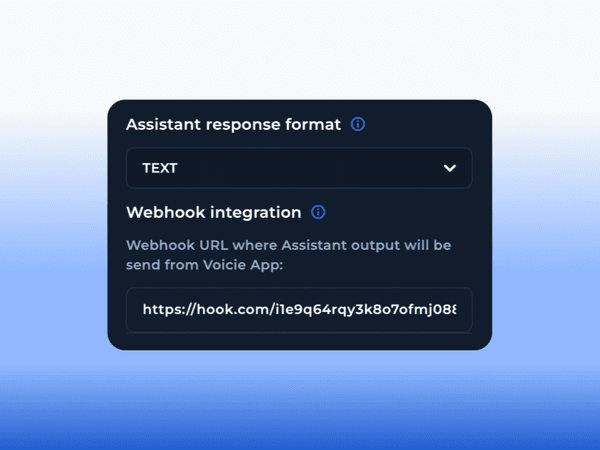
One webhook, multiple actions across different apps
The automation platform receives the payload and distributes it to multiple destinations. A single Make scenario can create a CRM contact, post a summary to Slack, and create tasks in ClickUp - all from one webhook.
Record and forget
The default assistant runs automatically when a source is added. Combined with a webhook and an automation scenario, the entire chain runs from recording to app update without any manual step.
Example automations
Workflows that run themselves
Sales call to CRM
The assistant extracts data from a call as JSON. Via Make or Zapier, the data goes to your CRM - contact created, notes attached, next steps scheduled.
Meeting to Slack and ClickUp
The assistant generates a summary and task list. The automation scenario posts the summary to Slack and creates tasks in ClickUp with assignees.
Automatic follow-up email
After a meeting, the assistant prepares a summary with key points. The automation platform sends a follow-up email to participants with highlights and next steps.
Voice notes to content
Record ideas throughout the day. The assistant turns them into post or newsletter drafts. The webhook pushes finished content to Google Docs or any other tool.
Data to Google Sheets
The assistant extracts structured data as JSON. Via webhook and an automation platform, each record lands as a row in your spreadsheet.
Any workflow
Voicie sends JSON via webhook. Make, Zapier, or n8n catches it and routes to over 5,000 apps. If the platform supports it, Voicie can trigger it.
From voice to action - one flow
Voicie handles input and AI. The automation platform handles routing to your tools.
Record
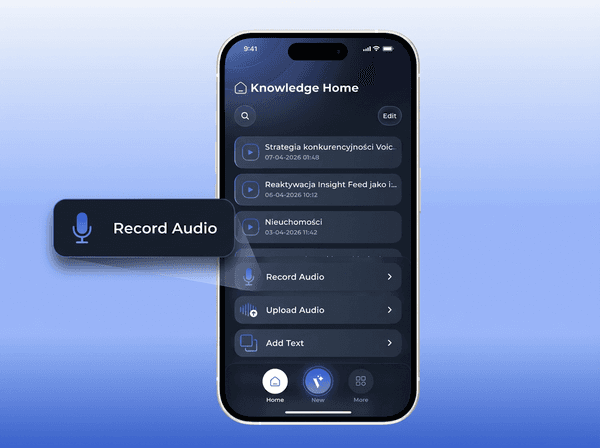
Capture a meeting, idea, or note in one tap. On your phone or computer.
Webhook sends
The assistant result along with source transcriptions is sent as JSON to Make, Zapier, or n8n.
Apps updated
The automation platform routes data to your CRM, Slack, ClickUp, Google Sheets, and any other tools.
The Voicie Platform
Automations are not all
See what else Voicie offers.
Frequently Asked Questions
Yes, for multi-step workflows with routing to multiple apps. Voicie sends data via webhook, and the automation platform routes it further. All three platforms have free plans.
Yes. The automation platform receives the webhook payload and distributes it to multiple destinations in parallel. A single scenario can create a CRM contact, post to Slack, and create tasks in ClickUp.
No. You set a webhook URL in Voicie and build the automation flow visually in Make, Zapier, or n8n using drag-and-drop.
It depends on the workflow. Sales teams save 15-20 minutes per call on CRM entry. With five calls a day, that is over 90 minutes of admin work eliminated daily.
