
AI-integrated knowledge sources
Every Format, One Knowledge Base
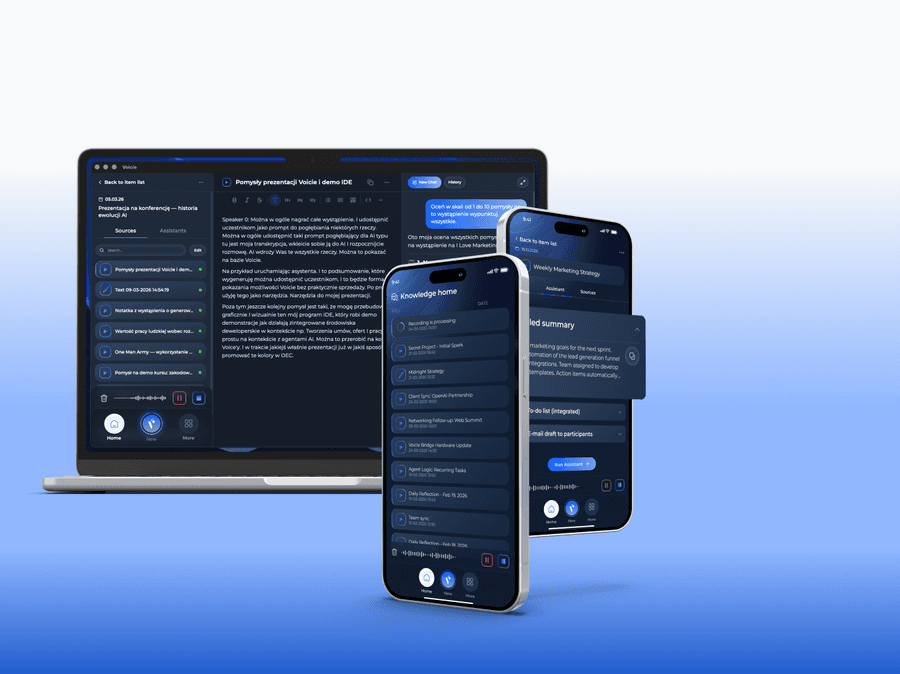
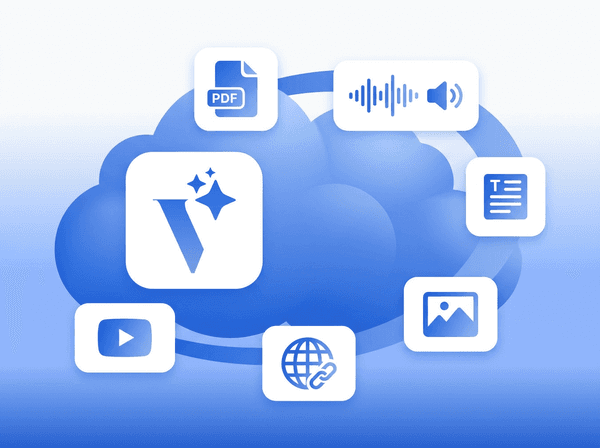
Voicie accepts audio recordings, text notes, and soon PDFs, photos, web links, and YouTube. Each source feeds your knowledge base with content that AI assistants can read and process.












The best way to build a knowledge base
Without Voicie
- Knowledge scattered across voice notes, apps, and browser bookmarks
- Every time you need analysis, you copy content into AI chat
- One recording equals one note, with no way to combine related materials
With Voicie
- Audio, text, and more source types flow into one knowledge base
- AI assistants automatically read all sources in a given item
- Add recordings, notes, and soon PDFs and links to the same project
The building blocks of your knowledge
Sources are the materials that feed your knowledge base. Each source has its own content - a transcription, typed text, or extracted data - that AI assistants and chat can access.
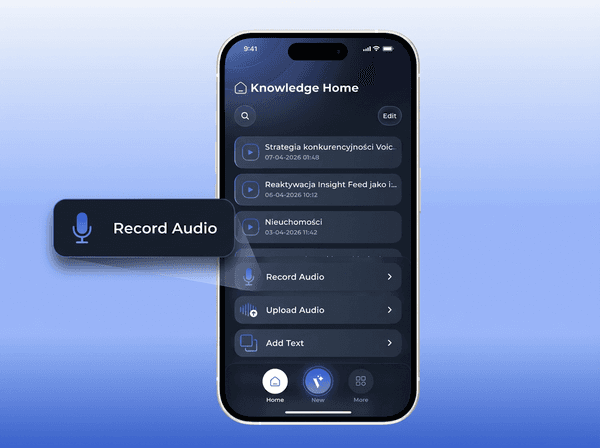
Record or upload - your voice becomes text
Record directly in the app on your phone or computer, or upload an existing audio file (MP3, WAV, MP4, MOV). Voicie transcribes it automatically. The transcription becomes searchable text in your knowledge base, ready for AI processing.
Type or paste any text
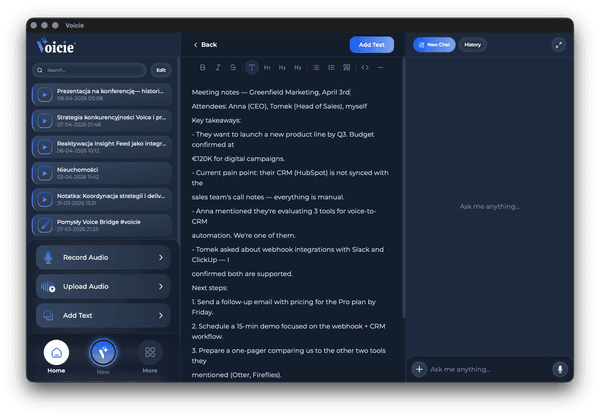
Not everything starts as audio. Add typed notes or paste content from other apps. Text sources are immediately available to AI assistants and chat alongside recordings.
PDFs, photos, web links, and YouTube
We're building support for new source types. PDF documents will be extracted as text. Photos and scans will use vision AI to pull information. Web links will be scraped. YouTube links will be transcribed with video playback available in the app.
What makes sources in Voicie stand out
The more sources, the better AI results
Combine sources for better context
Three recordings, a text brief, and prep notes in one knowledge base item give AI far more context than a single file. The more relevant sources you add, the better the results.
Editable sources
Fix transcription errors, update text notes, or adjust formatting. Every source is fully editable after adding.
Enable or disable a source (coming soon)
Control what AI assistants see. Toggle individual sources - disabled ones are preserved but not processed.
Growing format library
Audio and text available today. PDFs, photos with vision AI, web links, and YouTube in development. Each new format plugs into the same source model.
Automatic naming
AI names the knowledge base item based on the content of the first source. No need to come up with a title - just add a recording or note.
Cross-device sync
Add a source on your phone, browse it on your computer. Everything syncs across devices in real time.
More about knowledge sources
Supported and planned source formats
Audio recordings
Record directly in the app on your phone or computer. Upload existing MP3, WAV, MP4, or MOV files. Cloud transcription in one to two minutes.
Text notes
Type or paste any text. Text sources are immediately available to AI assistants and chat.
PDF documents (coming soon)
Upload PDF files and Voicie will extract the text content for AI assistants.
Photos and scans (coming soon)
Vision AI will extract key information from photos and document scans. If there's text in the image, it will be transcribed automatically.
Web links (coming soon)
Paste any URL and Voicie will scrape the page content as a source.
YouTube videos (coming soon)
Add a YouTube link to get the video transcribed. The video will be playable directly in the app.
The Voicie Platform
Knowledge sources are not all
See what else Voicie offers.
Frequently Asked Questions
Currently audio recordings (record in-app or upload MP3, WAV, MP4, MOV files) and text notes. Coming soon: PDF documents, photos with AI text extraction, web links, and YouTube videos.
A source is a single piece of material - one recording, one text note, one document. A Knowledge Item is a catalog that holds multiple sources related to the same project or topic.
Yes. Transcriptions and text notes are fully editable. Fix errors, update content, or adjust formatting at any time.
Once the feature launches, you'll be able to add photos and document scans as sources. Vision AI will extract key information into text. If there's text in the image, it will be transcribed automatically.
After adding a YouTube link, the video will be transcribed and you'll be able to play the video directly in the Voicie app while reviewing the transcription.
Yes. You can add sources from any device. Record on your phone, add a note on your computer - everything syncs automatically.
