
Webhooks
Send AI results to any app
An AI assistant processes your recordings and notes, and the result automatically goes to your app via webhook. Connect Zapier, Make, n8n, or your own API.











A better way to integrate with AI
Without Voicie
- You manually copy AI results and paste them into your CRM
- Meeting summaries stay in the app - nobody sees them
- Structured data from AI stays trapped in a text field
With Voicie
- AI assistant results arrive in your apps automatically
- Summaries publish the moment the assistant finishes
- JSON from assistants goes directly to your automation platform
How webhooks work in Voicie
Each AI assistant can have its own webhook URL. When processing is complete, the result is automatically sent as an HTTP POST.
Assistant result along with source transcriptions
The webhook sends a complete package: the AI assistant result (text or JSON), transcriptions of all sources, and metadata. Your automation platform receives the full context in a single HTTP POST request.
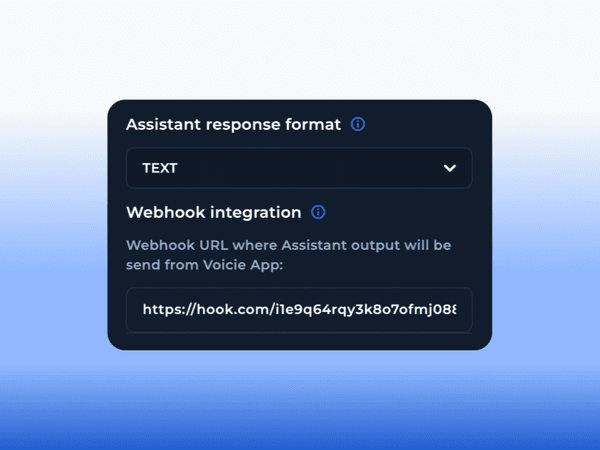
Each assistant goes to a different app
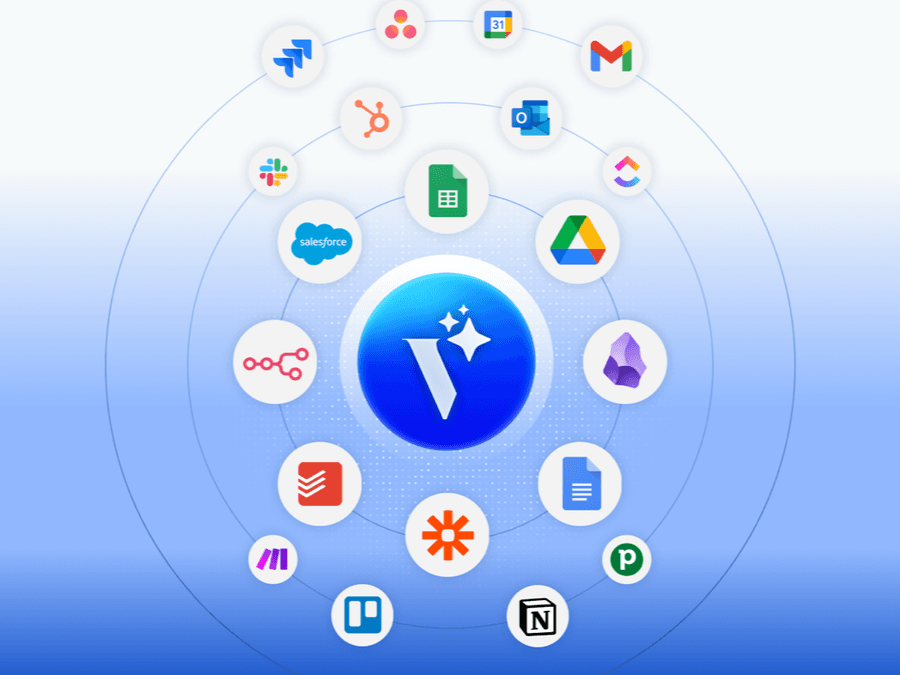
Assign a specific webhook URL to each assistant. Meeting summaries go to Slack, CRM data to HubSpot, tasks to ClickUp - from the same knowledge base item.
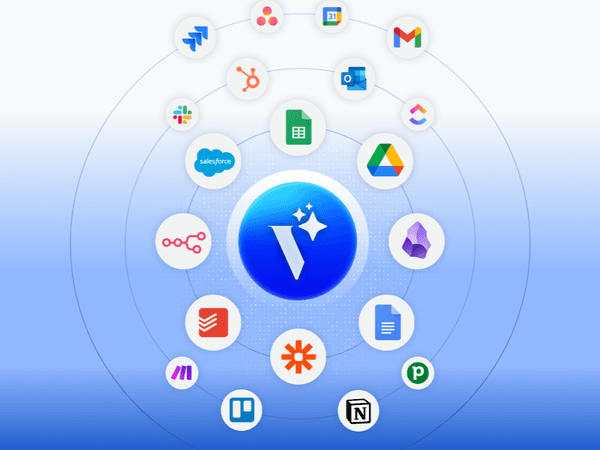
Example use cases
Turn voice into action in your apps
CRM updates
The assistant extracts data from a sales call as JSON. The webhook sends it to your CRM via Zapier or Make - contact created, notes attached.
Summaries on Slack
After a meeting, the assistant generates a summary with action items. The webhook delivers it to a Slack channel in seconds.
Tasks in ClickUp or Asana
The assistant extracts action items from a recording. Via webhook and an automation platform, each item becomes a task with an assignee.
Data to Google Sheets
The assistant extracts data as JSON. The webhook sends it to Google Sheets via n8n or Make. Automatic logging without manual entry.
Automatic follow-up email and SMS
After a meeting, the assistant prepares a summary, and the webhook sends an automatic follow-up email or SMS to participants via an automation platform.
Fully automatic flow
Default assistant + webhook = record a note, and the result goes to your app without any manual step.
More about webhooks
Everything you need for automation
JSON Payload
The webhook sends structured JSON containing the assistant result, source transcriptions, and metadata.
HTTP POST
Standard HTTP POST request to any URL. Compatible with Make, Zapier, n8n, and custom APIs.
Text or JSON output
Assistants can output text (Markdown) or structured JSON. JSON is ideal for automation - CRM fields, spreadsheet rows, task descriptions.
Webhook per assistant
Each assistant has its own webhook URL. Route results from different assistants to different apps.
Automatic triggering
The default assistant runs automatically when a source is added. Combined with a webhook, the entire flow is fully automatic.
Full context in the payload
The payload includes not just the AI result, but all transcriptions and text sources the assistant processed.
The Voicie Platform
Webhooks are not all
See what else Voicie offers.
Frequently Asked Questions
The webhook sends an HTTP POST request with a JSON payload containing the AI assistant result (text or JSON), transcriptions of all sources, and metadata. Your automation platform receives the full context in a single request.
Any tool via automation platforms like Zapier, Make, or n8n. Popular examples: HubSpot, Slack, ClickUp, Asana, Google Sheets, Jira. Webhooks send standard HTTP POST, so they work with any URL.
Yes. The webhook fires every time an assistant finishes processing. With the default assistant (runs automatically when a source is added), the entire flow from recording to delivery is fully automatic.
Yes. Each assistant has its own webhook URL. Meeting summaries can go to Slack, while CRM data goes to HubSpot - from the same knowledge base item.
Yes. Set the assistant's output format to JSON and define the structure in the prompt. The webhook delivers exactly that structure, which automation platforms can parse directly into CRM records, spreadsheet rows, or tasks.
